How to plan a study schedule from a YouTube playlist
A playlist is not a study plan — it is a pile of videos. Turning it into a schedule takes three steps: find the total length, decide your daily minutes, and split the videos into sessions that end at natural breaks.
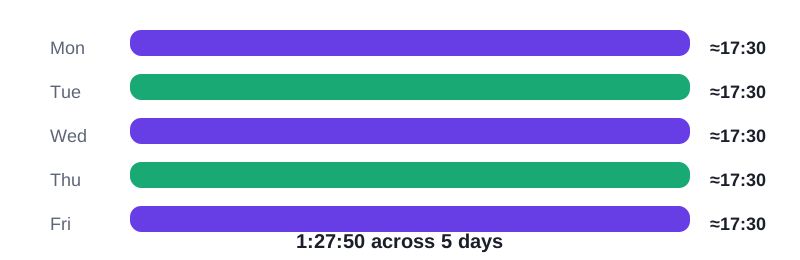
Step 1: get the total
Add the durations or paste them into a calculator. Without a total, every schedule is a guess, and guesses are how courses get abandoned in week two.
Step 2: split by video, not by clock
Do not cut a 45-minute lecture in half to fit an hour slot. End sessions at video boundaries instead, so each sitting starts clean and you never lose your place mid-explanation.
Step 3: book review days
Leave every fifth or sixth session for notes, practice and re-watching the hard parts. A schedule with no review days looks faster and finishes slower, because nothing sticks.
Worked example
Take three videos — 10:00, 12:30 and 1:05:20. Added together they are 1 hour, 27 minutes and 50 seconds (1:27:50). With three videos totalling 1:27:50, a natural schedule is one video per sitting: 10:00, then 12:30, then 1:05:20 — or the first two together (22:30) and the long one alone.
Frequently asked questions
How many videos per session?
As many as fit your daily minutes without splitting a video. Short videos group well; long lectures usually deserve a session each.
What if a video is much longer than the rest?
Give it its own day. Splitting it across days is fine if you note the timestamp, but a clean single sitting is easier to remember.
How do I handle falling behind?
Recompute, do not restart. Take the remaining total, divide by your remaining days, and adjust the daily minutes — the schedule survives if the maths stays honest.
Paste your video durations and get the total, the time at faster speeds, and the days to finish.