YouTube playlist length calculator for teachers - planning lessons
For a teacher, a playlist’s total length is a workload decision: assigning a 3-hour playlist as homework is assigning 3 hours, whether or not the number is printed anywhere. Totalling it first is the difference between a reasonable assignment and a revolt.
Check before you assign
Total the playlist before sharing the link. If it exceeds the homework time you intend, trim videos or split the assignment across days — students will not tell you it was too long, they will just not finish it.
Match videos to lesson slots
A 12-minute video fits a lesson starter; a 45-minute lecture does not. Knowing each video’s length, and the total, lets you place videos where the timetable actually has room.
Plan for the slower watchers
Some students watch at 1x, pause and take notes, and re-watch hard parts. Budget at least the full total — and ideally a little more — rather than the 1.5x time you might manage yourself.
Worked example
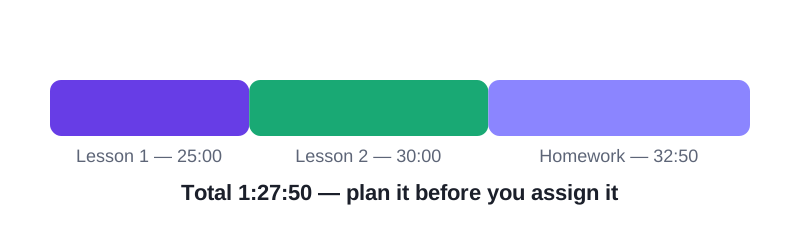
Take three videos — 10:00, 12:30 and 1:05:20. Added together they are 1 hour, 27 minutes and 50 seconds (1:27:50). A three-video set totalling 1:27:50 is a full homework assignment on its own, not a starter: at 1x it needs nearly an hour and a half, and even at 1.5x it needs 58:33 of focused watching.
Frequently asked questions
Should I assign at 1x or 1.5x time?
Budget at 1x. Faster speeds are a student’s choice, not a teacher’s assumption — and note-taking happens at 1x.
How do I share a playlist with its total?
Share the link plus one line: “Total: 1:27:50 (3 videos)”. Students can then plan, and nobody has to discover the length by accident.
What about private or unlisted videos?
Unlisted videos show their lengths to anyone with the link, so they count normally. Private videos do not, so check the total while signed in as the owner.
Paste your video durations and get the total, the time at faster speeds, and the days to finish.